Managing Multi-Branch Operations with Cloud ERP
How businesses with 2–20 branches can centralise reporting, inventory, and HR without IT complexity.
By Tadbir Editorial6 min read
In this articleWhat 'Multi-Branch Operations' Actually Means
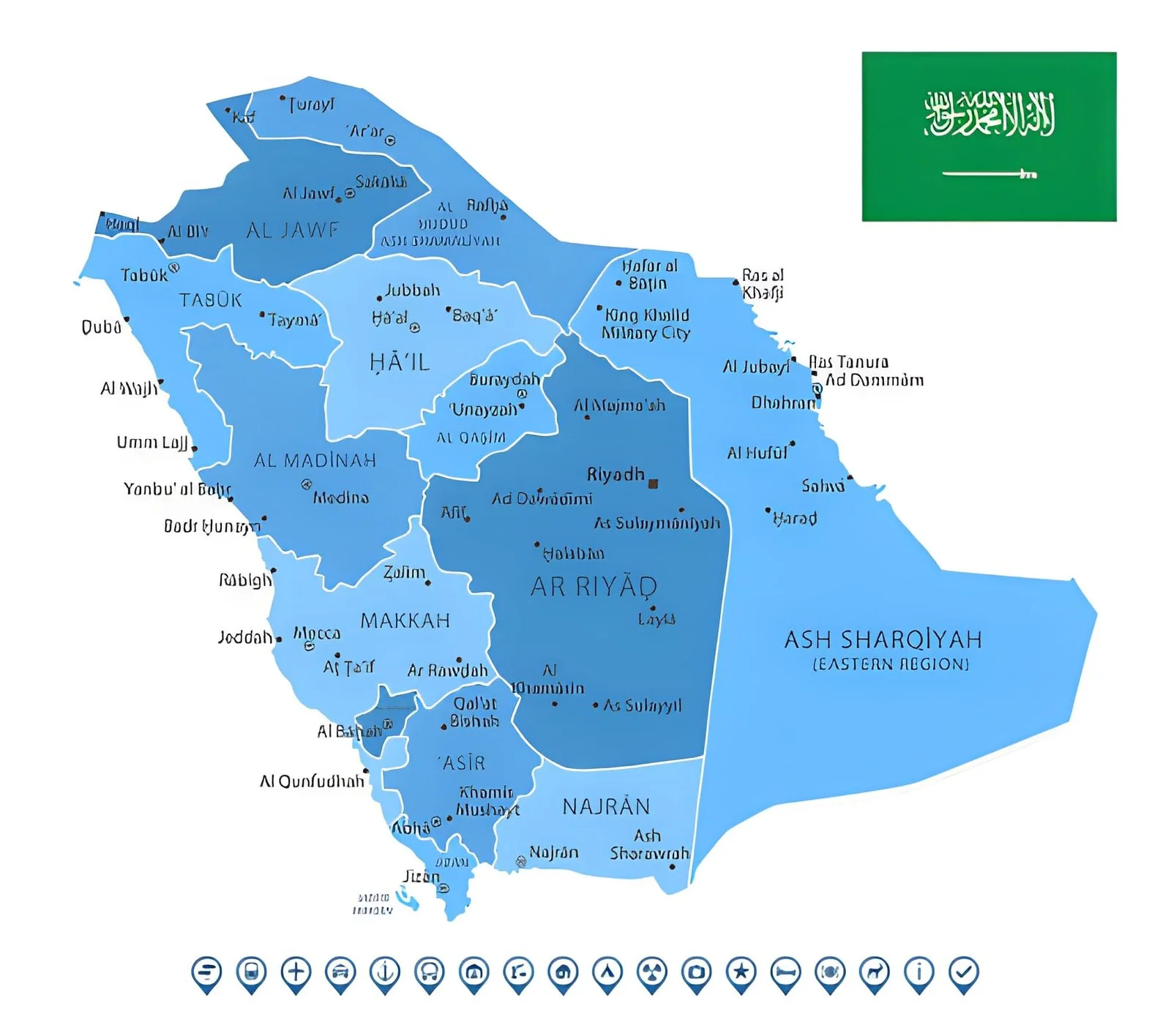
Running one branch is hard. Running five branches across Riyadh, Jeddah and Dammam without a unified system is close to impossible. Every branch keeps its own sales log, its own stock count, its own cash drawer, its own version of reality — and at head office, you're piecing a fragmented picture together from PDFs, WhatsApp messages and end-of-week emails.
This is where cloud ERP makes the biggest difference. For Saudi businesses running 2 to 20 branches, a modern cloud ERP doesn't just digitise operations — it collapses the distance between every branch and head office so you can manage them as one business, in real time, from any device.
What 'Multi-Branch Operations' Actually Means
Multi-branch isn't just about having more than one location. It's about needing to coordinate stock, sales, staff, pricing, promotions and reporting across them — while keeping the overall business operating as a single entity for accounting and ZATCA.
- Retailers with multiple stores across Riyadh, Jeddah and Dammam
- Food and restaurant groups with central kitchens and multiple outlets
- Wholesalers with multiple warehouses and delivery zones
- Service chains — gyms, salons, clinics, laundries — with multiple branches
- Automotive groups with showrooms and workshops in different cities
Why Traditional (On-Premise) ERP Struggles Here
Old-school on-premise ERP was designed for a single HQ with a local server. Every branch had to either maintain its own server and sync nightly, or work off a slow VPN connection to head office. Both options create real problems:
- Data at branches is hours or days behind head office
- Stock transfers between branches require manual entry at both ends
- Internet outages at HQ can stop branches from invoicing
- Updates to ZATCA rules or GOSI rates need to be pushed server-by-server
- Hiring IT to maintain multiple branch servers is expensive and slow
- Scaling from 3 branches to 10 is a full infrastructure project
How Cloud ERP Changes the Picture
Cloud ERP — like Tadbir — puts every branch on the same live system. There's no 'branch server' and 'HQ server.' Every branch manager, cashier, warehouse clerk, HR officer and owner is logging into the same platform. Data is live, consistent, and visible to exactly the people who should see it.
The Multi-Branch Capabilities That Actually Matter
1. Unified Chart of Accounts
All branches post to one chart of accounts, tagged by branch (and optionally by cost centre). You get consolidated group financial statements in one click, and branch-level P&Ls, cash-flow and balance sheets side-by-side for comparison.
2. Real-Time Multi-Branch Inventory
Every branch maintains its own stock counts, but you see consolidated availability across all branches at once. Reorder points are branch-aware. Low-stock alerts include suggested inter-branch transfers from branches with excess stock.
3. Central Catalogue, Local Pricing
Manage your product catalogue and price lists centrally from head office — push updates to every branch instantly. Allow branch-specific pricing where needed (e.g. airport outlets with different margins).
4. POS Integrated With Inventory and Accounts
A sale rung up at the Al Olaya store immediately reduces that store's stock, generates a ZATCA-compliant Simplified Tax Invoice, records the revenue to the branch P&L, and reconciles to the cash and Mada totals at end of day — all without any re-entry.
5. Branch-Level HR and Payroll
Employees are tagged by branch for attendance, leave and shift planning. Payroll calculates GOSI and WPS per employee, but rolls up into one monthly salary journal at group level. Branch managers see their team; HQ sees everyone.
6. Live Multi-Branch Dashboards
The owner and CFO see real-time KPI tiles for every branch — today's sales, footfall, top SKUs, margin, cash in drawer. No more waiting for end-of-week reports. If one branch is under-performing at 3 PM on a Thursday, you can act the same afternoon.
7. Inter-Branch Transfers With Proper Controls
Transfers between branches are tracked as proper transactions — request, approval, shipment, receipt — with stock reducing at origin and increasing at destination. No more 'lost' transfers or WhatsApp messages.
8. Consolidated ZATCA Compliance
One VAT registration, one ZATCA integration, all branches reporting through the same pipeline. FATOORA clearance happens per invoice in real time regardless of which branch generated it.
Rule of thumb: if going from 3 branches to 8 branches would require you to hire a full IT team just to keep systems in sync, you're on the wrong architecture. Cloud ERP scales almost linearly with zero extra infrastructure.
The Reporting Advantage
Multi-branch reporting is where cloud ERP really earns its keep. Every report in Tadbir can be filtered, grouped or drilled-down by branch. Some examples that matter for Saudi businesses:
- Sales per branch per hour — spot the underperforming shifts
- Margin per SKU per branch — find pricing drift between locations
- Stock ageing per branch — identify dead stock before it hits year-end
- Staff productivity per branch — sales per hour worked, transactions per cashier
- Cash variance per branch — reconcile till counts to POS sales daily
- Customer concentration per branch — who are the top 10% driving revenue?
Security and User Access
More branches means more users. Tadbir's role-based access means a branch manager in Jeddah sees only their branch's sales and stock, a cashier sees only the POS screen, HR sees only HR data, and the owner and CFO see everything. Audit trails record every change.
A Typical Cloud ERP Rollout for a Multi-Branch Saudi Business
The pattern that works — repeatedly — for 3 to 20 branch businesses in Saudi Arabia:
- Set up the master company, chart of accounts, VAT and ZATCA config at HQ
- Import product catalogue and price lists centrally
- Launch at the flagship branch first — refine processes there for 1–2 weeks
- Roll out to additional branches in waves of 1–3 branches per week
- Train 2 champions per branch to reduce key-person risk
- Keep spreadsheets running in parallel for the first 2 weeks per branch for safety
- Once all branches are live, turn on the consolidated dashboards and reports at HQ
Signs You Need Multi-Branch Cloud ERP Now
- You can't answer 'what are total sales across all branches right now?' without calling managers
- Stock is transferred between branches via WhatsApp, and things go missing
- Month-end close takes more than a week because you're consolidating from each branch
- Each branch has its own pricing mistakes that don't match the master list
- ZATCA Phase 2 compliance is handled differently at different branches
- You're planning to open another branch and the thought gives you anxiety
What Tadbir Gives Multi-Branch Saudi Businesses
- One cloud platform for all branches — no per-site servers or local IT
- Live multi-branch inventory, POS, accounts and HR
- Consolidated group reporting with branch-level drill-down
- Native ZATCA Phase 2 across every branch
- Arabic-first interfaces for all branch staff
- Role-based access so each user sees only what they should
- Automatic updates — every branch on the same version, always
- Riyadh-based support for HQ and branch-level issues
Our multi-branch customers in Riyadh consistently say the same thing after their first month live: 'I didn't realise how much time we were losing to reconciliation.' When every branch is on the same system, the time saved adds up fast.
Ready to Run Your Branches as One Business?
Whether you're running 2 branches or 20, Tadbir's cloud ERP can bring them all onto one live system in weeks, not months. Start a 14-day free trial with your real branch structure, or book a multi-branch scoping call with our Riyadh team — we'll map out your rollout plan in one session.
Run your business on Tadbir.
Every plan starts with a 14-day free trial, no credit card. Plans are priced in SAR for businesses in Saudi Arabia. Or book a live 30-minute demo with our team. We reply within 24 hours.
Keep reading
All articles ERP Tips
Top 5 Signs Your Business Has Outgrown Spreadsheets
If your team is emailing Excel files, reconciling numbers manually, or running out of columns — it's time.
5 min read
 ERP Tips
How to Choose the Right ERP for Your Saudi SME
A no-nonsense checklist: ZATCA compliance, Arabic support, pricing model, and questions to ask every vendor.
8 min read
- ERP Tips
7 Key Benefits of Implementing an Integrated Business Management System
Disconnected tools create chaos. An integrated business management system gives you visibility, speed, and control across your entire operation — here are the 7 biggest benefits.
6 min read